HOW SCROLLAGE WORKS 5 simple steps to go from zero to live. No coding. No designer. No developer. Swipe to see each step

scrollageapp
@scrollageapp
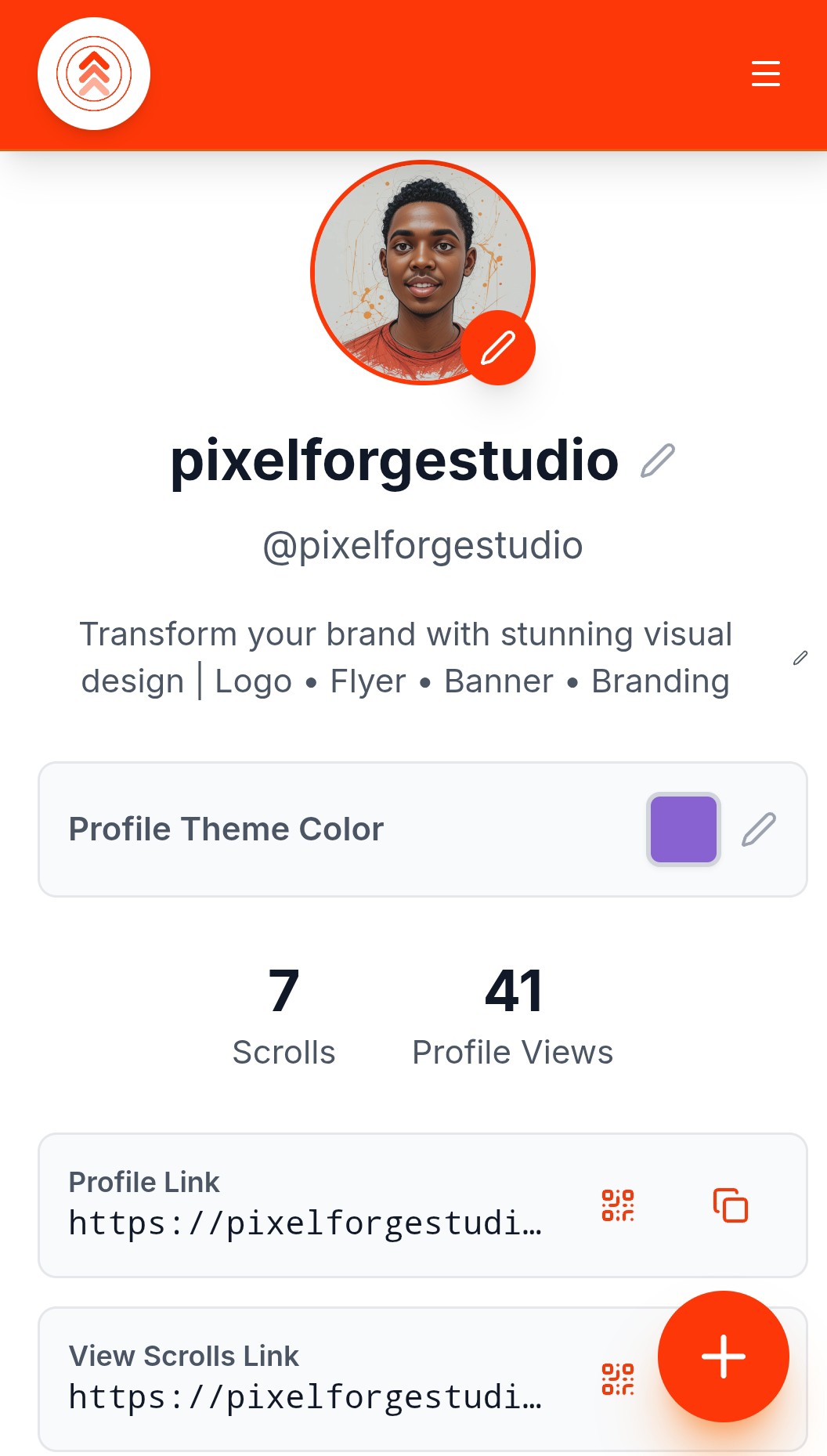
STEP 1: CREATE YOUR PROFILE Sign up in 30 seconds. Add your: • Display name • Bio (what you do) •
scrollageapp
@scrollageapp
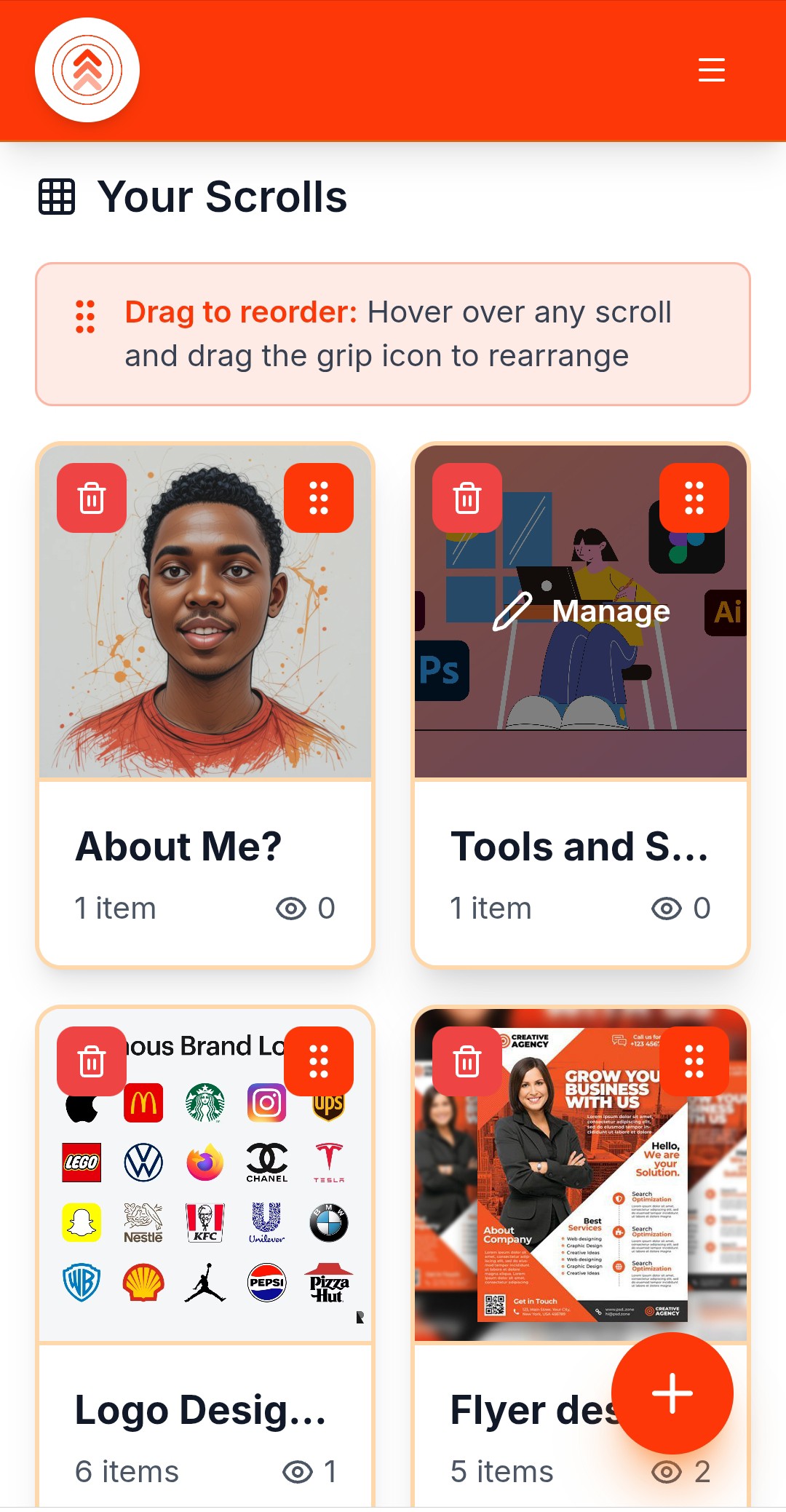
STEP 2: CREATE SCROLLS (CATEGORIES) Scrolls = categories for your content. Examples: Photographer
scrollageapp
@scrollageapp
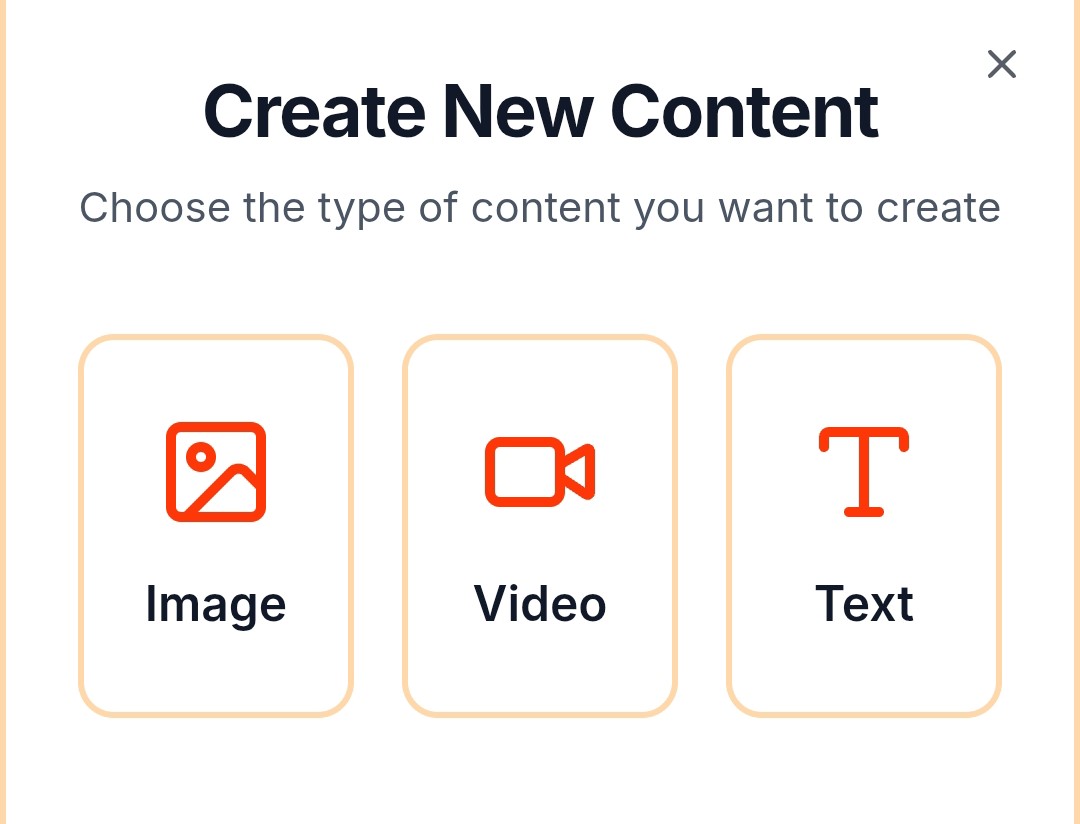
STEP 3: ADD CONTENT Upload photos, videos, or text to each Scroll. Add: • Images (your work, produ
scrollageapp
@scrollageapp
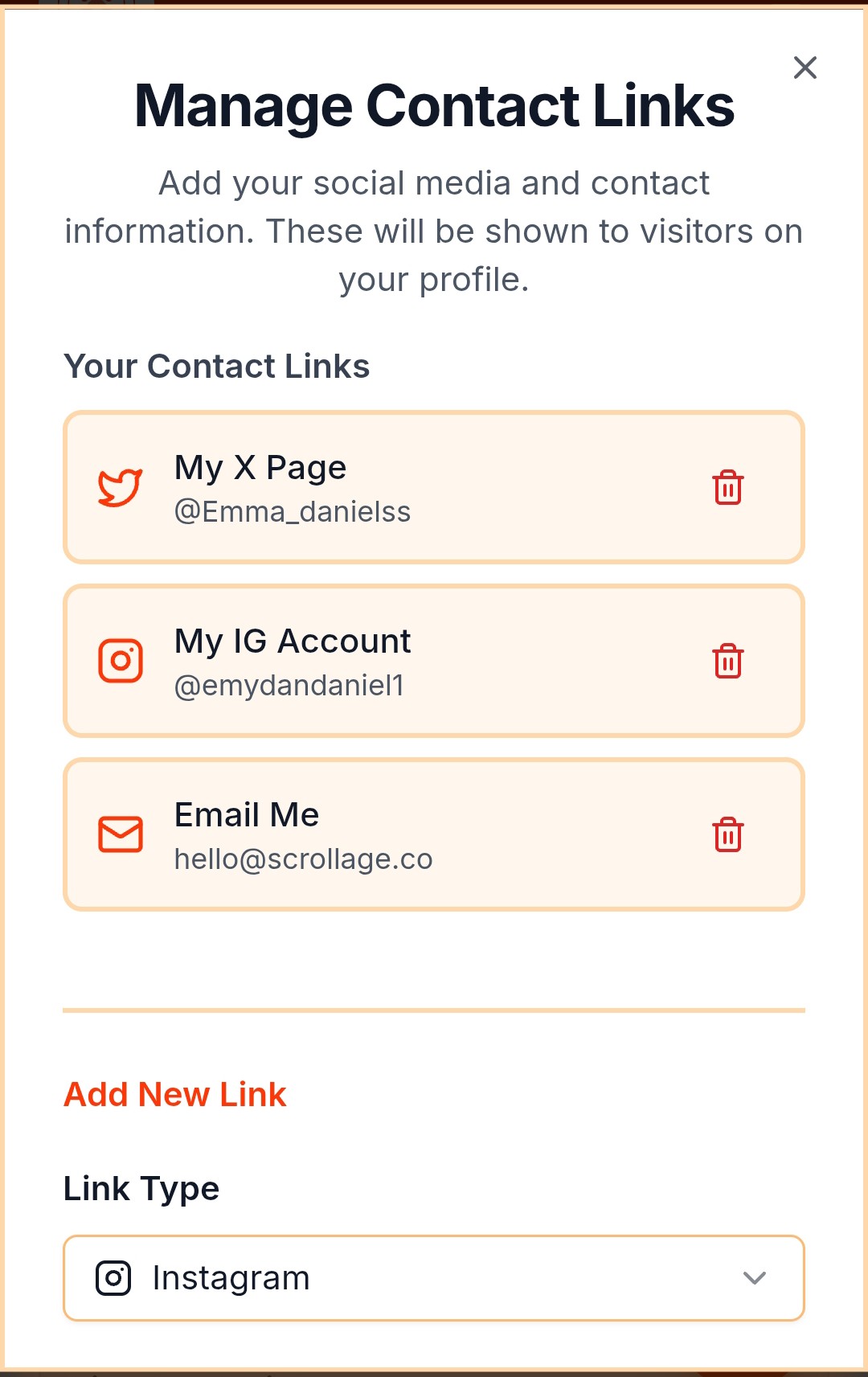
STEP 4: CUSTOMIZE Make it yours: • Choose custom colors (Pro plan) • Remove branding (Pro plan) •
scrollageapp
@scrollageapp
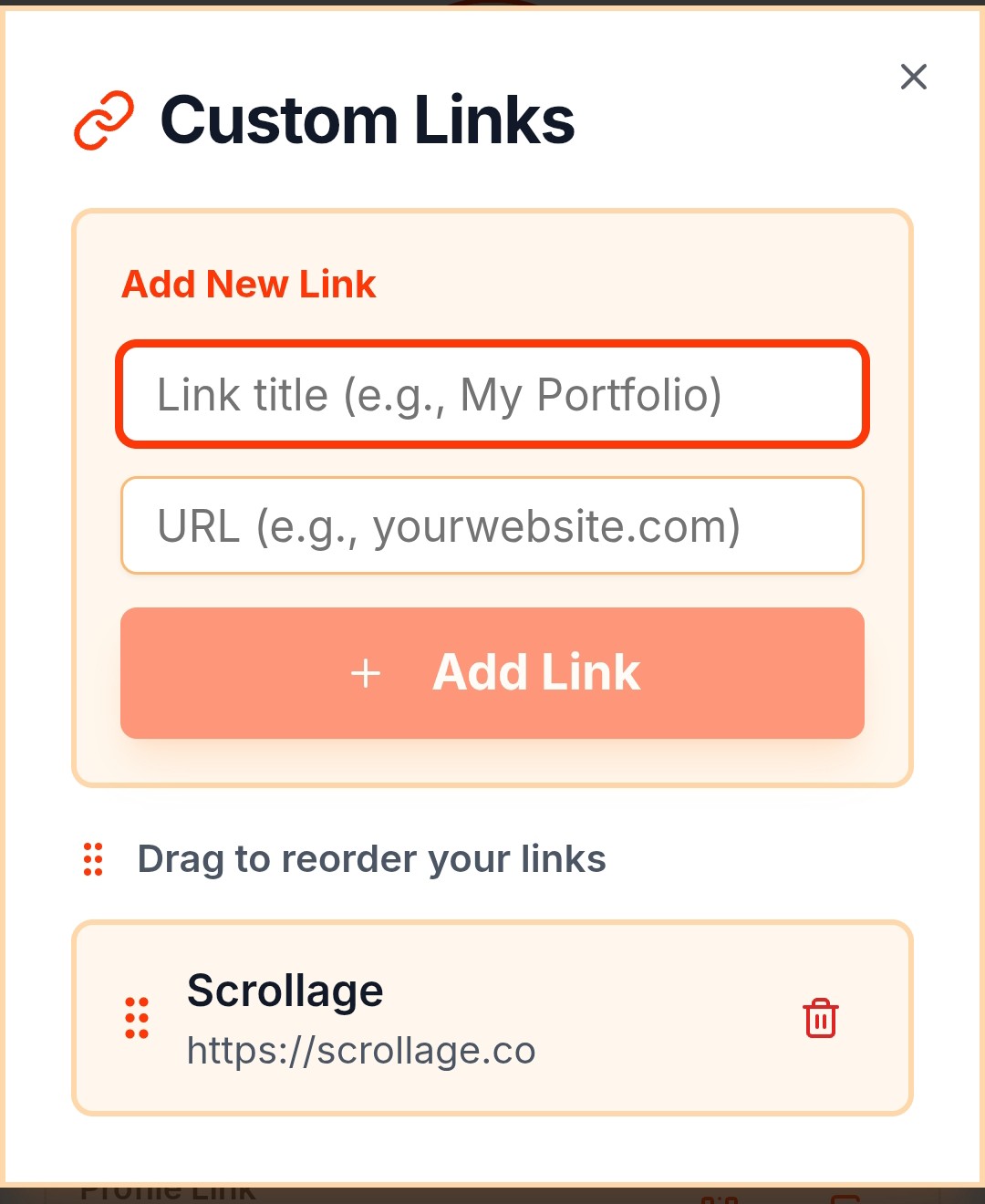
STEP 4: CUSTOMIZE Make it yours: • Choose custom colors (Pro plan) • Remove branding (Pro plan) •
scrollageapp
@scrollageapp
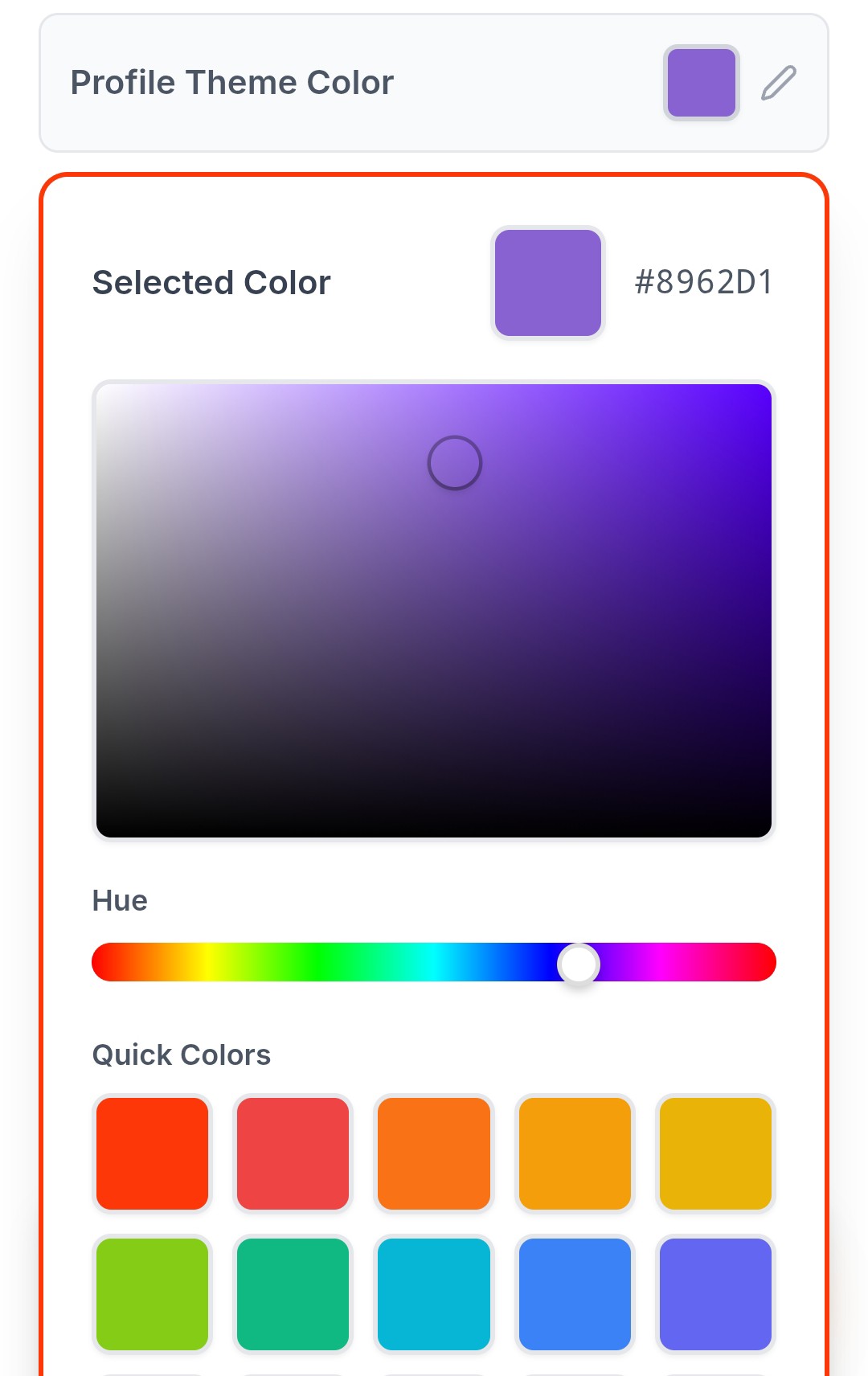
STEP 4: CUSTOMIZE Make it yours: • Choose custom colors (Pro plan) • Remove branding (Pro plan) •
scrollageapp
@scrollageapp
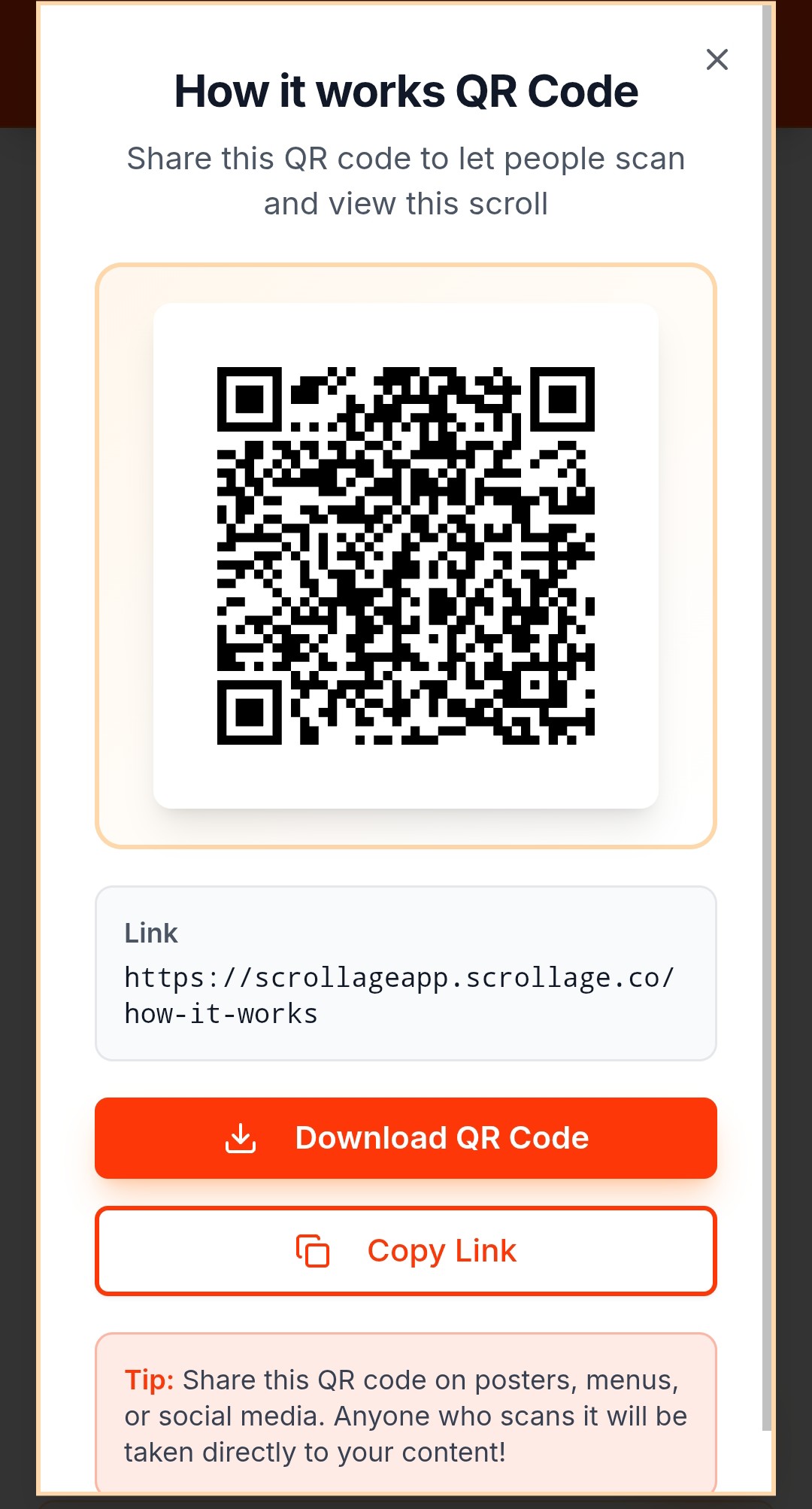
STEP 5: SHARE YOUR LINK Every Scroll gets: • Shareable link (scrollage.co/yourname/scrollname) • Un
scrollageapp
@scrollageapp
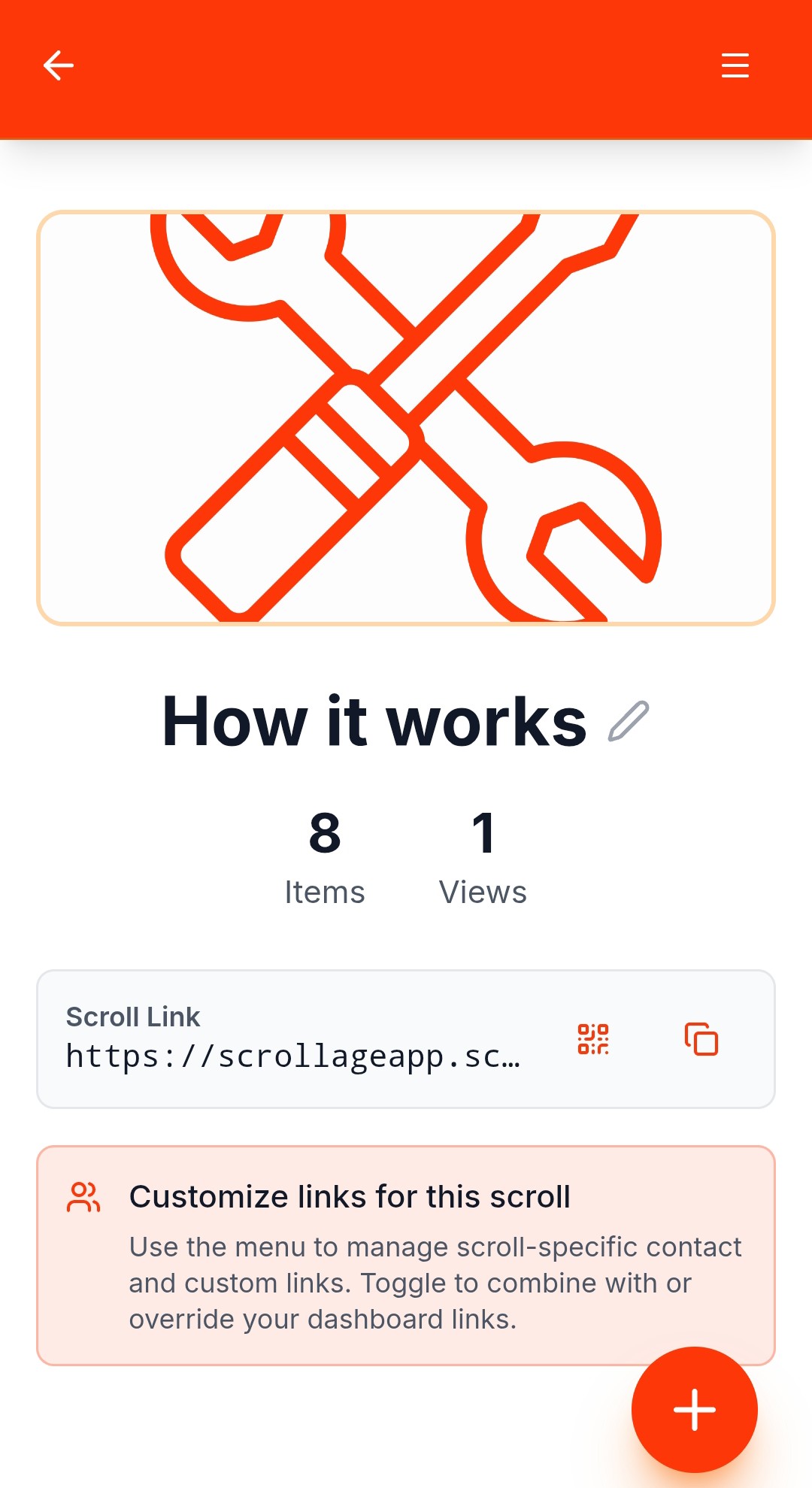
STEP 6: WATCH IT WORK Track performance: • View counts per Scroll • See which content resonates • U
scrollageapp
@scrollageapp
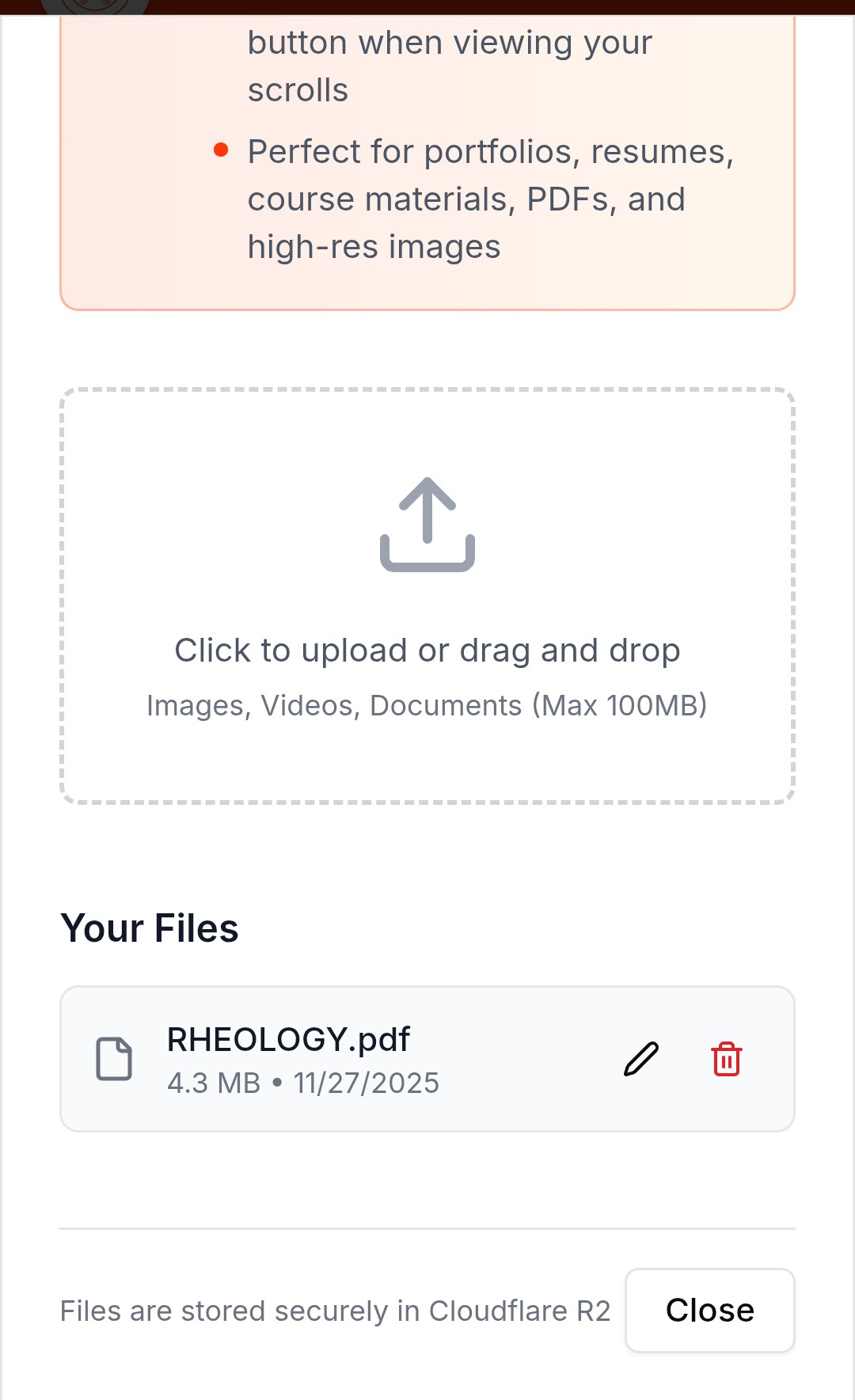
Step 7: Add files and let viewers download files through the dashboard menu
scrollageapp
@scrollageapp